
Plays from YouTube (privacy-enhanced mode) when you press play.
No affiliate links in this post. How affiliate links work here
The short version
All three have a real free plan with no card. They differ on two things a small service business leans on: automatic follow-ups and seeing old history. Zoho CRM was the only one where every step of the test worked at $0. HubSpot hides activity older than 30 days. Bitrix24 gives you a whole office suite but very little room to add your own automation. Tool-by-tool details are below, then the full table.
How the test worked
One job, the way a freelancer or a 2-3 person shop would actually use a CRM:
- Store: add a new client who asked for a quote.
- Track: move the job through a pipeline.
- Follow up: have the CRM remind you, ideally without setting each reminder by hand.
- Look back: months later, open the client and see what was said.
Each tool was tested from its own free account in October 2026. The stamp is based on what the app actually did, not on what the pricing page promises. Where something comes from the vendor’s docs rather than my test, it says so. Phone systems, integrations, mobile apps, data export and Bitrix24’s deal-timeline depth were not tested.
HubSpot Free
- Store: 1,000 contacts on free accounts, per HubSpot’s catalog (older pages and guides said up to 1 million; that number is out of date). Free covers up to 2 users.
- Track: one HubSpot-provided pipeline per object. Adding a second asks you to upgrade.
- Follow up: manual tasks with reminders work fine. Workflows (reminders that create themselves) aren’t on Free. The Workflows link opened an upgrade page for Sales Hub Professional, and the pricing page lists up to 50 workflows, with restricted triggers and actions, on Starter.
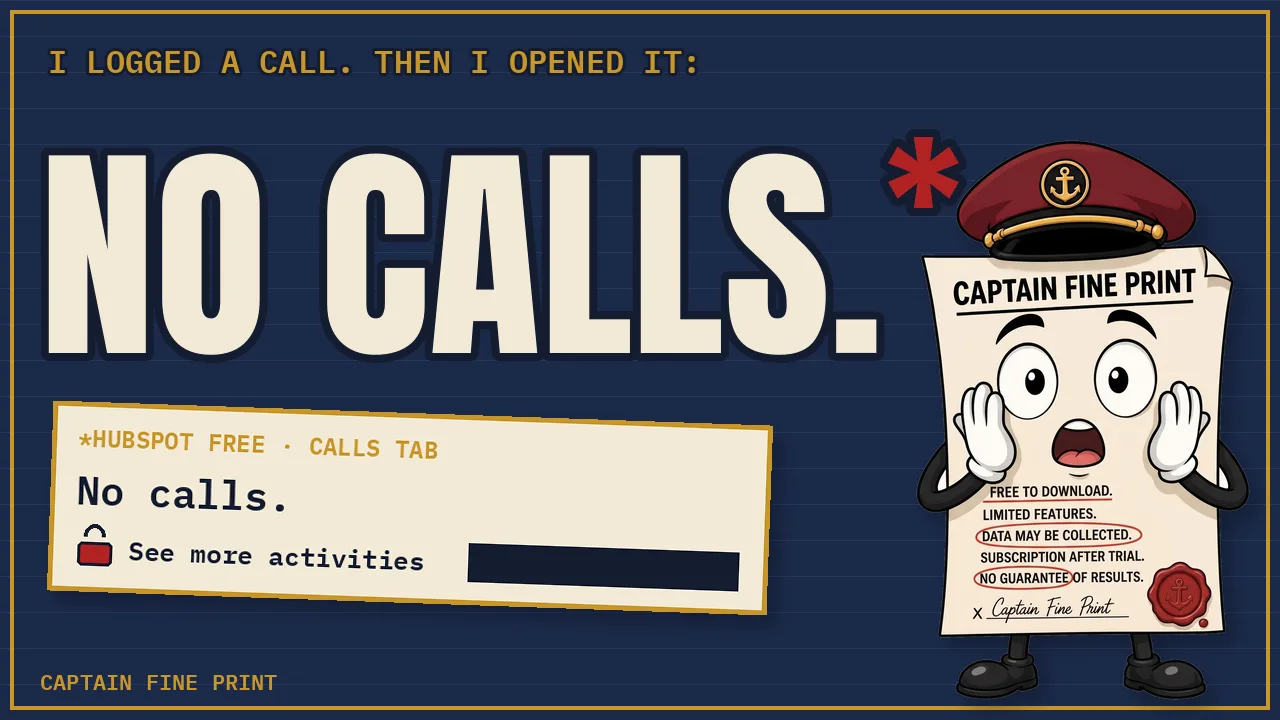
- Look back: the free record timeline is limited to activities from the past 30 days (catalog: “View activities in the past 30 days”). In the test, a call logged with a date six weeks back showed up as “No calls” plus an upgrade banner. The record isn’t deleted. You just can’t see it on Free.
- First paid step: Sales Hub Starter, shown on Oct 26 as starting at $10/month per seat, marked down from $20. Expect the regular price to return.
Zoho CRM Free Edition
- Getting the right plan: this is the trap. The “Get started for free” button on the zoho.com homepage opened a 15-day Enterprise trial in two separate test signups. The free plan comes from CRM menu → Free Tools → Start Free (its signup link carries
plan=free). Already on the trial? A small “Switch to Free edition” link sits in the corner of the editions page. No card is asked for either way. - Store: up to 3 users and 5,000 records. Records means everything: contacts, accounts, deals, tasks and notes, plus anything in the recycle bin. One client with a contact, account, deal, task and note uses about 5, so plan on roughly 1,000 clients, not 5,000.
- Track: one pipeline. More pipelines are a Standard feature. Zoho also won’t save a deal without an account attached.
- Follow up: workflow rules do run on Free. Zoho’s guide says five; in the app the limit is five active rules per module (Contacts, Deals and so on). The test rules created follow-up tasks on their own. Time-delayed actions (“wait 3 days, then…”) need Standard. A task with a due date covers the same need.
- Look back: Zoho says activity history is kept as long as the account is active. I didn’t backdate a call in Zoho, so that’s Zoho’s claim, not my test.
- First paid step: Standard, listed at $14 per user per month on the pricing page.
Bitrix24 Free
- What it is: an all-in-one workspace (chat, tasks, calendar, files) with a CRM inside. The 15-day full trial is opt-in here, so a new account starts on Free.
- Store: the pricing card says “for 1–2 users” while the FAQ on the same page says unlimited. The account’s own plan-limits page says Unlimited. Storage is 5 GB, shared by files, attachments and call recordings.
- Track: one pipeline with preset stages. A second one opens an upgrade panel.
- Follow up: the plan allows up to 5 automation rules and triggers, yet the default pipeline came with 15 rules already loaded. Adding one more (a 3-day reminder) hit an upgrade panel on save. The Task tab inside a deal is also padlocked. Whether the preloaded notification rules actually fire on Free is still being tested; the result goes in the video’s pinned comment.
- Email: sending from Bitrix24 is capped at 3 emails a month (the same number shows as the daily and monthly limit). It doesn’t matter for a reminder to yourself, but it does if you planned to email clients from the CRM. Whether a connected mailbox counts against the 3 wasn’t tested.
- Look back: comments stay on the deal. The History tab (who changed what, and when) is paid-only: Standard, Professional or Enterprise.
- First paid step: Basic, $69/month billed monthly or $49/month billed yearly, per organization, for 5 users.
The full limits table
| HubSpot Free | Zoho CRM Free | Bitrix24 Free | |
|---|---|---|---|
| Users | Up to 2 | Up to 3 | Unlimited (per the account; the pricing card says 1–2) |
| Storage | 1,000 contacts | 5,000 records, notes and recycle bin included | 5 GB (files, attachments, call recordings) |
| Pipelines | 1 | 1 | 1 |
| Reminders you set yourself | Yes (tasks with reminders) | Yes (tasks with due dates) | Task tab on deals is locked |
| Automation on Free | No workflows (Starter: up to 50, restricted) | 5 active workflow rules per module; no time delays | Up to 5 rules and triggers; 15 preloaded; adding more is blocked |
| Old activity | Only the past 30 days is visible | Kept while the account is active (Zoho's docs; not tested) | Comments stay; History tab is paid-only |
| Emails sent from the CRM | 2,000 marketing emails a month (seen in the account) | Not checked | 3 a month |
| Card needed? | No | No | Not checked |
| Signup catch | None found | Homepage button opens a 15-day Enterprise trial; use Free Tools → Start Free | None (trial is opt-in) |
| First paid plan | Sales Hub Starter: from $10/seat/month (marked down from $20 on Oct 26) | Standard: $14/user/month | Basic: $69/month, or $49/month billed yearly (5 users) |
As of October 2026. Prices in USD from each pricing page on October 26, 2026. "Not checked" means I didn't test it, not that it's missing. On a phone, swipe the table sideways.
The verdicts
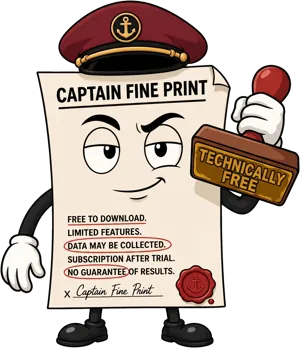
HubSpot
TECHNICALLY FREE as of Oct 2026
A polished free CRM whose memory only reaches back a month, with no automatic follow-ups.
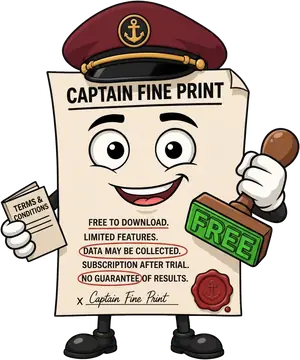
Zoho CRM
FREE as of Oct 2026
Every step of the test ran on the Free Edition, as long as you sign up through the right button.
Bitrix24
TECHNICALLY FREE as of Oct 2026
Generous on users and tools, tight on anything that runs by itself, and it won't let you add your own.
See all three in The Verdicts table, with sources on every row.
Related Shorts: Zoho CRM Has Two “Free” Buttons. Only One Is Free. and Free CRM to Paid: What the Next Step Costs.
Who should pick what
- Solo, under 1,000 contacts, and you mostly want a clean address book: HubSpot is the most polished. Log anything important somewhere else too, because you won’t see it on Free after 30 days.
- One to three people who want follow-ups created automatically: Zoho CRM. Sign up through Free Tools → Start Free, not the homepage, and budget about five records per client.
- You want team chat, tasks and a CRM in one free place, and you won’t email clients from it: Bitrix24. Expect more setup, and treat the automation it ships with as all you get.
- You need timed sequences (“wait 3 days, then…”) from day one: none of these do it on Free. Compare the first paid plans in the table above.
- Already started a Zoho account from the homepage? Check your edition (profile menu). If it says Enterprise with a countdown, switch to Free before you build anything you’d lose.
Sources
Read and re-checked October 26, 2026. Plans change; check the live page before you decide.
- HubSpot catalog: Free tools (record timeline: past 30 days; 1 pipeline per object)
- HubSpot catalog: Technical limits (contacts: 1,000 on free accounts)
- HubSpot: Sales Hub pricing (free for up to 2 users; Starter workflows; seat prices)
- HubSpot Community: the old 1 million contacts figure
- Zoho CRM: Free Edition page and FAQ
- Zoho CRM: Guide to the free edition (five workflow rules; history kept while the account is active)
- Zoho help: Manage data storage (5,000 records; notes and recycle bin count)
- Zoho CRM: Pricing
- Bitrix24: Plans and pricing (Free card and FAQ)
- HubSpot’s “No calls” banner and Workflows upgrade page, Zoho’s signup editions and per-module workflow limit, and Bitrix24’s plan limits, preloaded rules and locked History tab: seen in the apps October 20-26, 2026, and shown in the video.